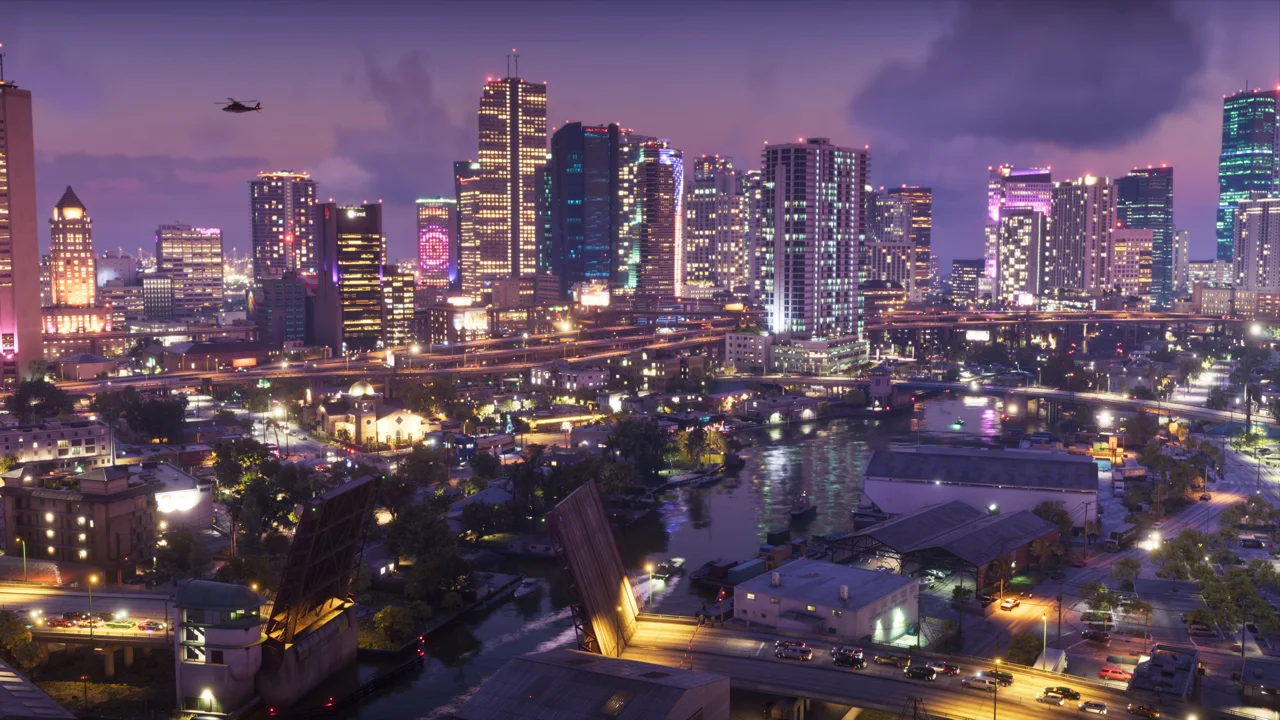
Where to watch the GTA 6 trailer
Rockstar’s GTA VI page links the launch trailer, An Extended Look, Trailer 2 and Trailer 1. Start there to identify the original upload rather than a re-edited video with an official-looking title.
GTA VI gameplay versus a cinematic trailer
PlayStation describes An Extended Look as footage captured in-game on PS5. That identifies the stated capture platform; it is not a benchmark for every graphics mode or a confirmation of a Windows release. For performance questions, compare the exact mode and platform instead of inferring frame rate from a social-media upload.
Screenshots, wallpapers and artwork
Use the official media library to identify the source of a screenshot or artwork. A wallpaper crop may remove context, while compression can change apparent sharpness. Our region and character guides use credited official images; images labelled AI-created editorial art are illustrative and are not evidence of a game feature.
A useful viewing checklist
- Write down the upload title, publisher and date before comparing videos.
- Distinguish a shown location from an assumed navigable route.
- Keep story spoilers separate from platform and buying information.
- Look for the named capture platform before drawing conclusions about image quality.
- Use a current store or support page for requirements, price and edition contents.
From the trailer to your first session
Choose one practical next step: check your platform, confirm your edition, or plan installation space. If you want to explore the setting first, open the Leonida region guide. If you want mission help, open the walkthrough library and choose the objective that matches your save.
CHECK THE EVIDENCE
Sources & verification
Reviewed November 20, 2026. Source-based guidance; no firsthand gameplay testing is claimed unless explicitly stated. Details may change after this date.
Rockstar Games · GTA VI ↗PlayStation US: GTA VI editions and features ↗