This is not Rockstar’s GTA VI. FreeWebGames lists this player as “GTA 6”, but the game we found inside is Grand City Missions. It is a separate driving game.
Grand City Missions
CITY DRIVING / THIRD-PARTY PLAYER
TAKE A DRIVING BREAK.
Loads the FreeWebGames player. It may show ads and use cookies. Privacy details
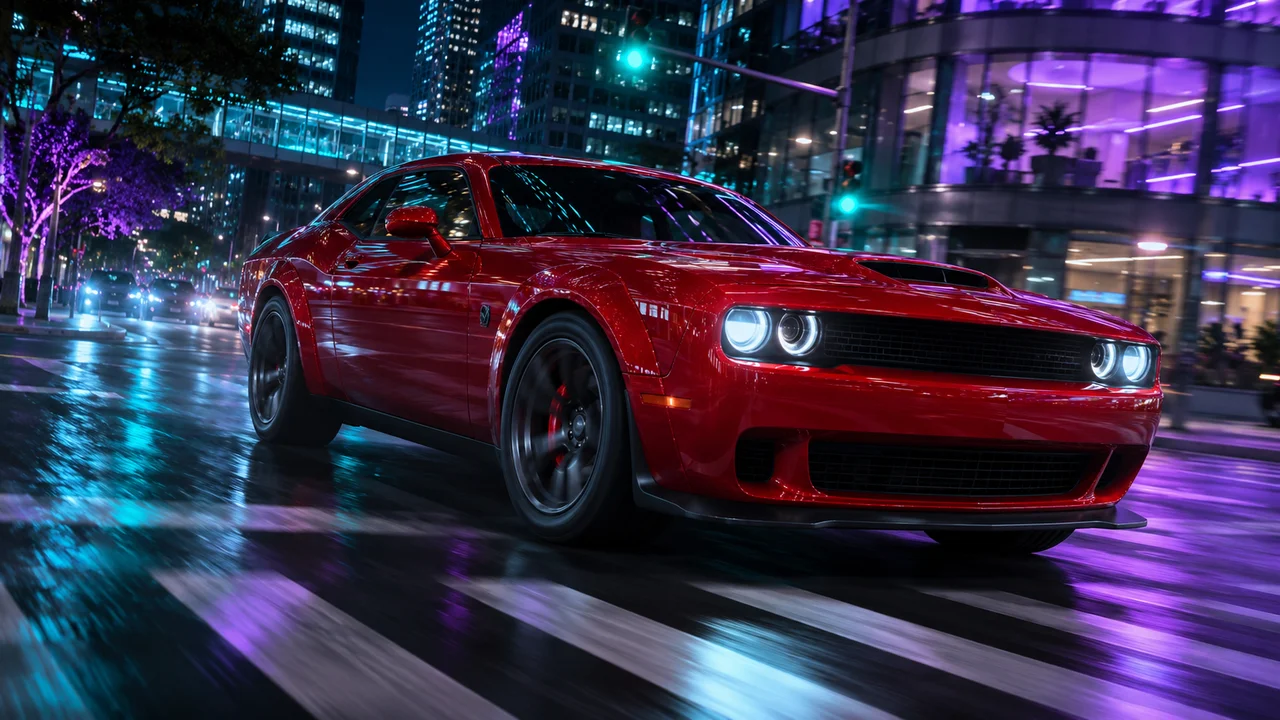
AI-created editorial art. Not gameplay.
BEFORE YOU PLAY
What is in this player?
The provider’s page uses the name “GTA 6”. During our check on 19 November 2026, its launch screen showed Grand City Missions, with city driving, a garage and a Play menu. We use the public embed supplied on that page, so the provider can change what it serves.
This is not a GTA VI demo, cloud stream or download. Progress here does not transfer to GTA 6 or GTA Online.
How to start
Select Load browser game, then press the provider’s Play now button.
Use the game’s own Play menu and control instructions. A desktop keyboard is recommended; mobile compatibility depends on the provider.
Use Fullscreen for more room. Press Escape to leave fullscreen or release mouse capture.
Choose Close game to stop the player. Closing or reloading may lose unsaved progress.
ROCKSTAR’S GRAND THEFT AUTO VI
More of Leonida. More to explore.
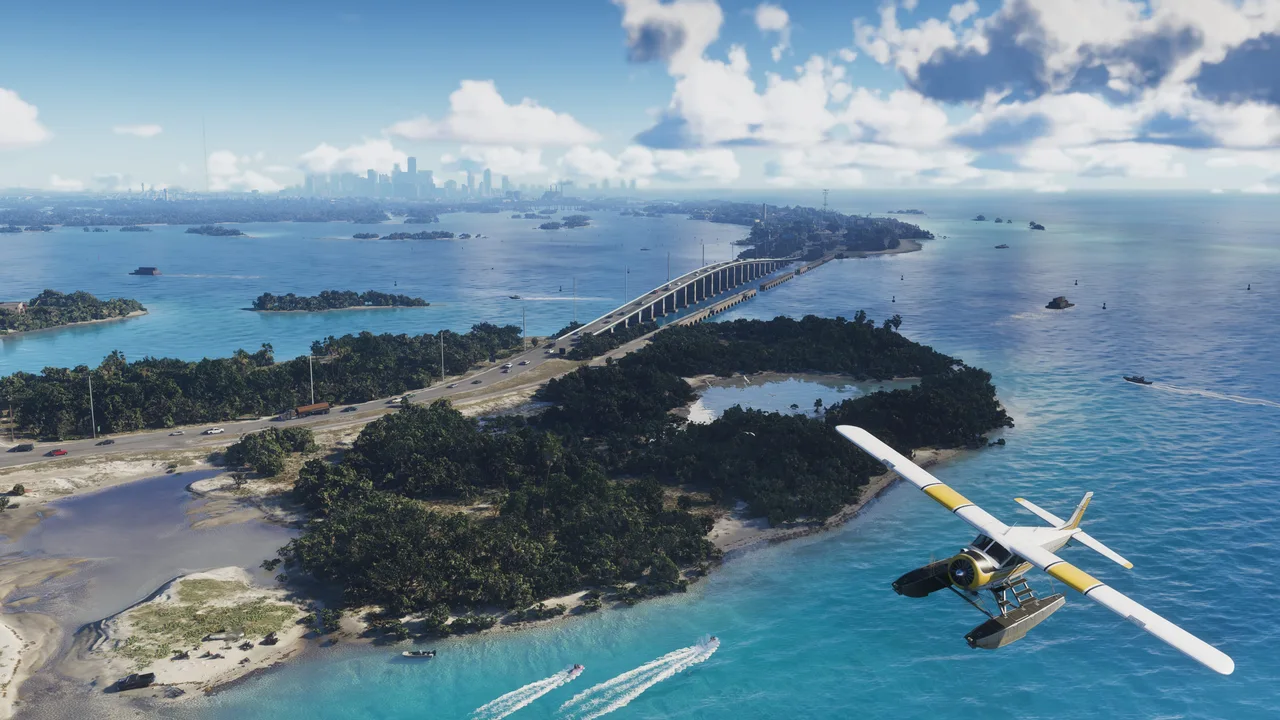
These official GTA VI images illustrate the guides below. They do not show the separate browser game above.
Get oriented before you follow a mission route. Our region guide separates Vice City, the Keys and the other named areas, with links to the official map material and a place to keep your exploration notes.
Start with the characters and their connections. The spoiler-light introduction covers the names in Rockstar’s presentation, so you can follow the opening story without reading ahead into later missions.
Match a walkthrough to the exact objective in your save. Start with our opening-mission coverage, then use mission notes to record the checkpoint you reached and the next action you want to try.
If you searched for “GTA 6 play in browser”, first check whether the page offers a web game, a stream from a console, or Rockstar’s actual game. The name on a website is not enough to identify what runs when you press Play.
Browser games
A web game loads through its provider. This page embeds Grand City Missions through FreeWebGames. It is listed under that name, and we do not identify it as an official GTA VI edition. Its controls, saves and availability depend on the provider.
GTA 6 on PC
Looking for GTA 6 in PC or on a Windows laptop? Rockstar’s official page checked on November 20, 2026 lists PS5 and Xbox Series X|S. It does not list a native PC edition. Our GTA 6 PC release and requirements guide explains the current status without inventing a release date or hardware specification.
Remote Play and cloud gaming
Streaming sends the picture from another device or service. It is different from installing a Windows game or running a small browser game. Check the supported devices, account requirements and game ownership for the service you intend to use. See our platform and streaming guide.
QUICK ANSWERS
GTA 6 Play Online questions
Can I play GTA 6 online free here?
GTA6Play’s guides and tools are free to use. The external browser game is a separate product. This page does not unlock Rockstar’s Grand Theft Auto VI, supply its PC download, or provide an official free GTA VI demo.
Is the browser player GTA VI Online?
No. A browser is a way to access content; multiplayer is a game mode. This player is not connected to GTA Online or your Rockstar save. Read the separate GTA 6 Online and crossplay guide before planning to play Rockstar’s game with friends.
Will my browser-game progress transfer to GTA 6?
No transfer is offered by this page. Treat the external game’s save system separately from your console account. Check its own save instructions before closing a session, clearing browser data or switching devices.
Can I use a phone, keyboard or controller?
Start with the controls shown by the game itself. A desktop keyboard may be easier for a driving game, but controller and touch support must be checked in the provider’s player. Fullscreen changes the viewing area; it does not add missing controls.
Why does a game work in a tab but not inside a website?
Some game hosts restrict which websites can frame their content. The wrapper can load even when the actual game is blocked. Opening the provider in a separate tab avoids the framing context; it does not change the game’s ownership or platform requirements.
Where are the original GTA 6 screenshots?
The images in our guide cards come from Rockstar’s GTA VI media library and are credited beneath each image. View the official screenshot gallery for the full collection. The arcade cover is labelled concept art.